Input components
Consistent labels, validation, help, errors, and keyboard behavior.
Compose rich, role-based interfaces from reusable Razor components while keeping state, render mode, and .NET application boundaries deliberate.
Render mode is a product and operational decision, not a preference contest.
Blazor Server:UI logic runs on the server
Blazor WebAssembly:UI logic runs in the browser
Blazor Server:Interactive connection is important
Blazor WebAssembly:API access after initial download
Blazor Server:Small initial browser payload
Blazor WebAssembly:Larger runtime and application download
Blazor Server:Controlled networks, operations apps
Blazor WebAssembly:Offline tolerance or distributed client execution
Reusable components define interaction, validation, state, accessibility, and responsive behaviour before pages multiply.
Consistent labels, validation, help, errors, and keyboard behavior.
Filtering, paging, selection, actions, loading, and empty states.
Steps, permissions, status, evidence, decisions, and activity history.
Tokens, layout primitives, feedback patterns, and responsive behavior.
Components coordinate UI state while application services preserve business rules and infrastructure boundaries.
Reusable workflow components connect queues, validation, decisions, documents, and real-time status to the same ASP.NET application model.
Role-based applications where reusable interaction and shared .NET capability reduce unnecessary frontend fragmentation.
Queues, status, evidence, decisions, and activity.
Filters, drill-down, live status, and role-specific action.
Complex rules, validation, preview, and controlled publishing.
Identity, workflows, documents, reporting, and integration.
Introduce reusable components and bounded workflows without forcing a risky all-at-once frontend replacement.
Introduce components inside selected server-rendered experiences.
Rebuild one bounded workflow while the existing application remains operational.
Translate task-heavy desktop journeys into accessible browser workflows.
Replace inconsistent page controls with a governed Razor component system.
Inputs, data views, validation, state, accessibility, and real-time updates become governed component contracts.
Identify component boundaries, state ownership, and latency-sensitive journeys.
Choose server, WebAssembly, or mixed rendering from product constraints.
Establish reusable inputs, data views, feedback, and accessibility.
Build vertical workflows through UI, application services, and data.
Measure circuits, payload, rendering, API calls, and user-perceived latency.
Render mode, component libraries, interop, services, testing, and hosting follow the actual interaction model.
Questions about render mode, existing .NET applications, JavaScript interop, and component governance.
Verified projects whose domain or technology is relevant to this page.

High-volume email marketing platform with campaign automation, analytics and subscriber management.

Financial portal providing earnings calendars, company analysis, market news and insights.

Connected commerce platform for product management, order processing, inventory and customer insights.
Strong delivery starts with the business constraint, not a preferred tool. We clarify what is slowing growth, increasing risk, or creating unnecessary work before proposing a solution.
Competing requirements make it difficult to define the smallest valuable and defensible next step.
Manual handoffs and fragmented systems slow teams down and make reliable information harder to find.
Legacy constraints, security gaps, and weak release practices turn necessary change into a business concern.
Investment fails to create value when adoption, ownership, support, and measurable outcomes are considered too late.
We translate priorities, users, workflows, integrations, and constraints into a delivery plan that creates value early and remains maintainable as needs evolve.
The engagement is designed to improve outcomes your team can see, measure, and sustain.
Reduce delivery risk with a clear, collaborative blazor development roadmap.
Improve operational efficiency through thoughtful automation and integration.
Create a secure, maintainable foundation that can evolve with the business.
Gain transparent delivery visibility and dependable long-term technical support.
Explore examples of how we turn complex requirements into dependable, usable digital products.
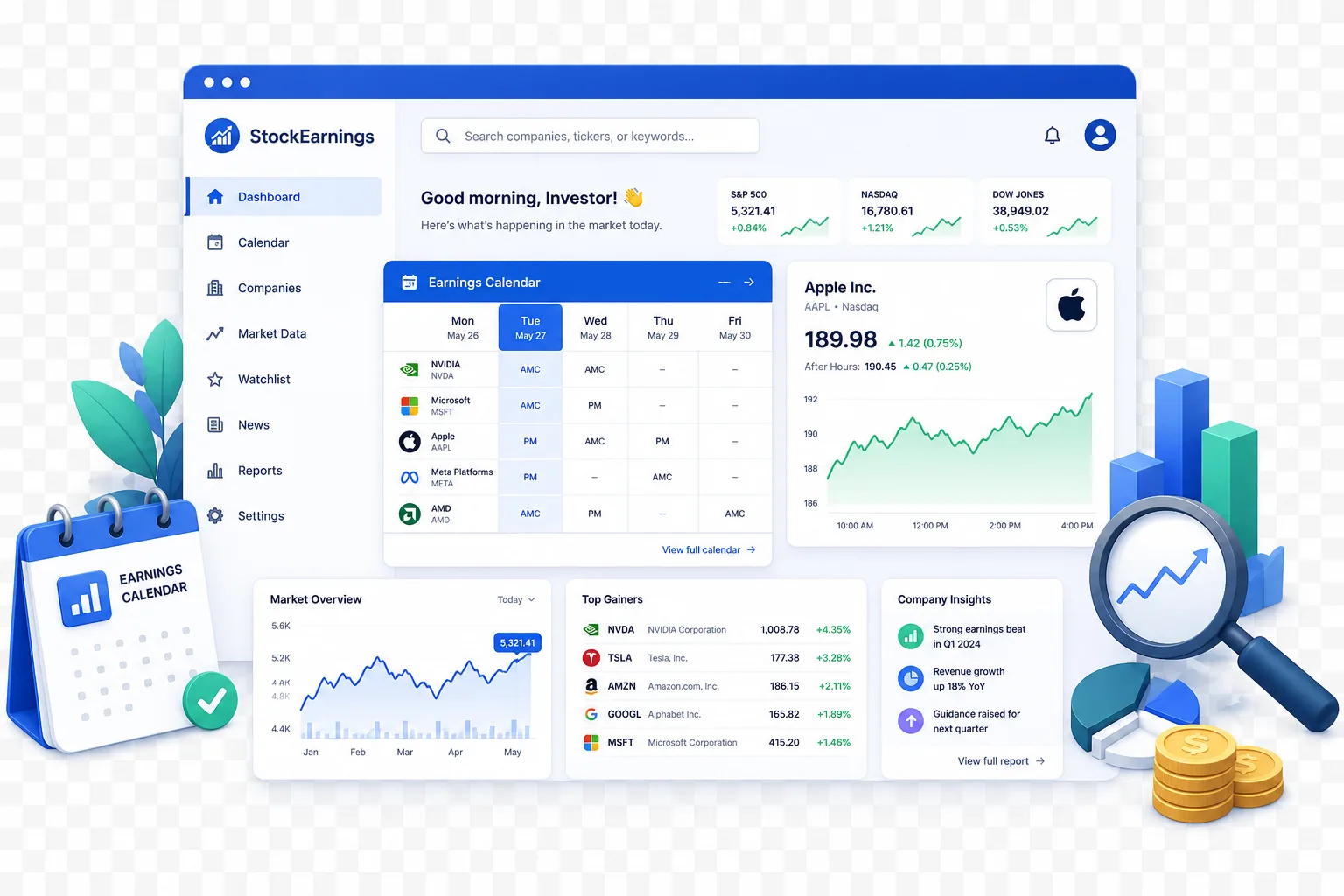
A data-rich financial product that makes market research faster and easier to act on.
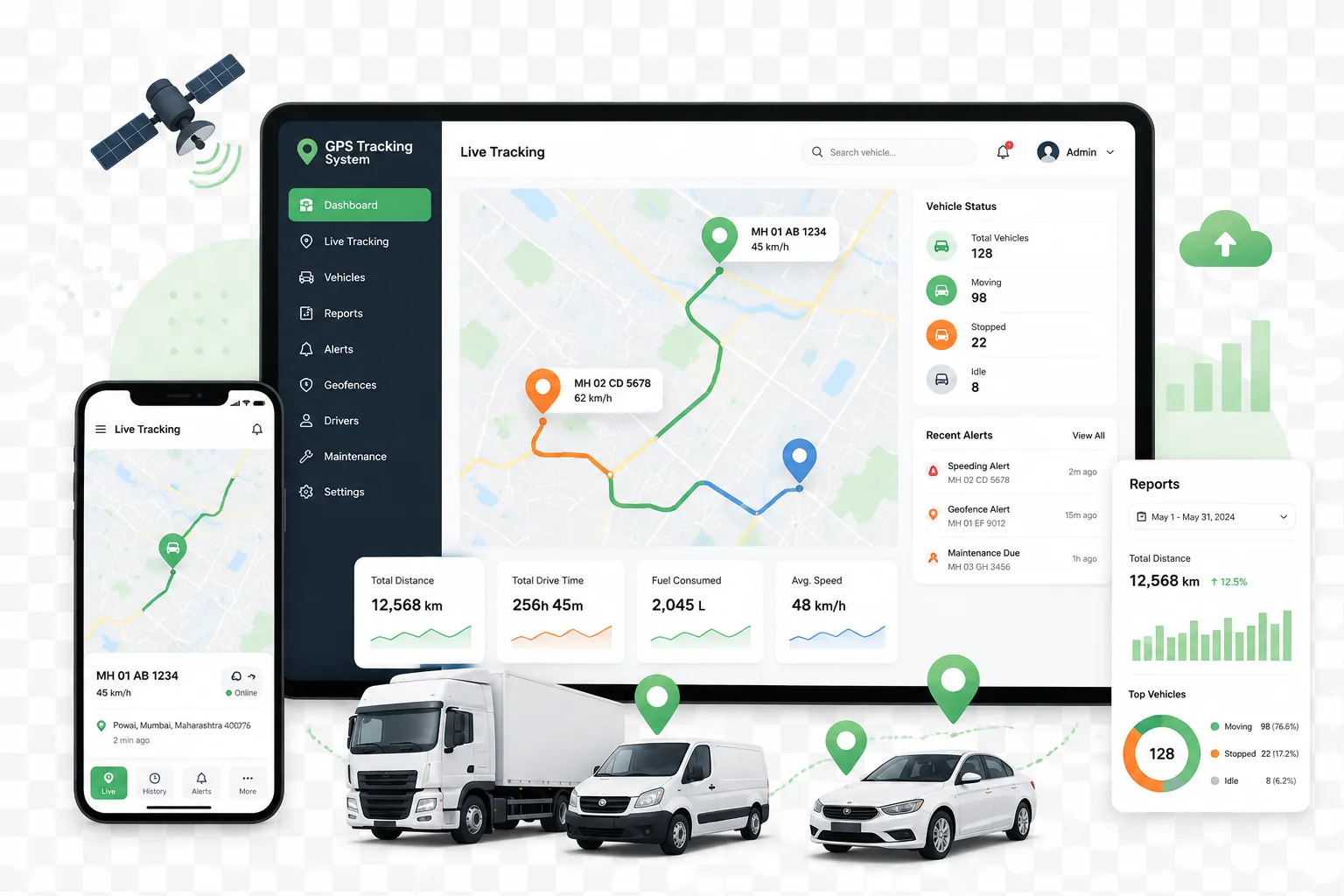
A live operations platform for fleet visibility, reporting, and day-to-day control.
Combine complementary services when the outcome spans product, platform, cloud, automation, or team capability.
We will map state, connectivity, latency, and reuse before recommending Server, WebAssembly, or mixed rendering.